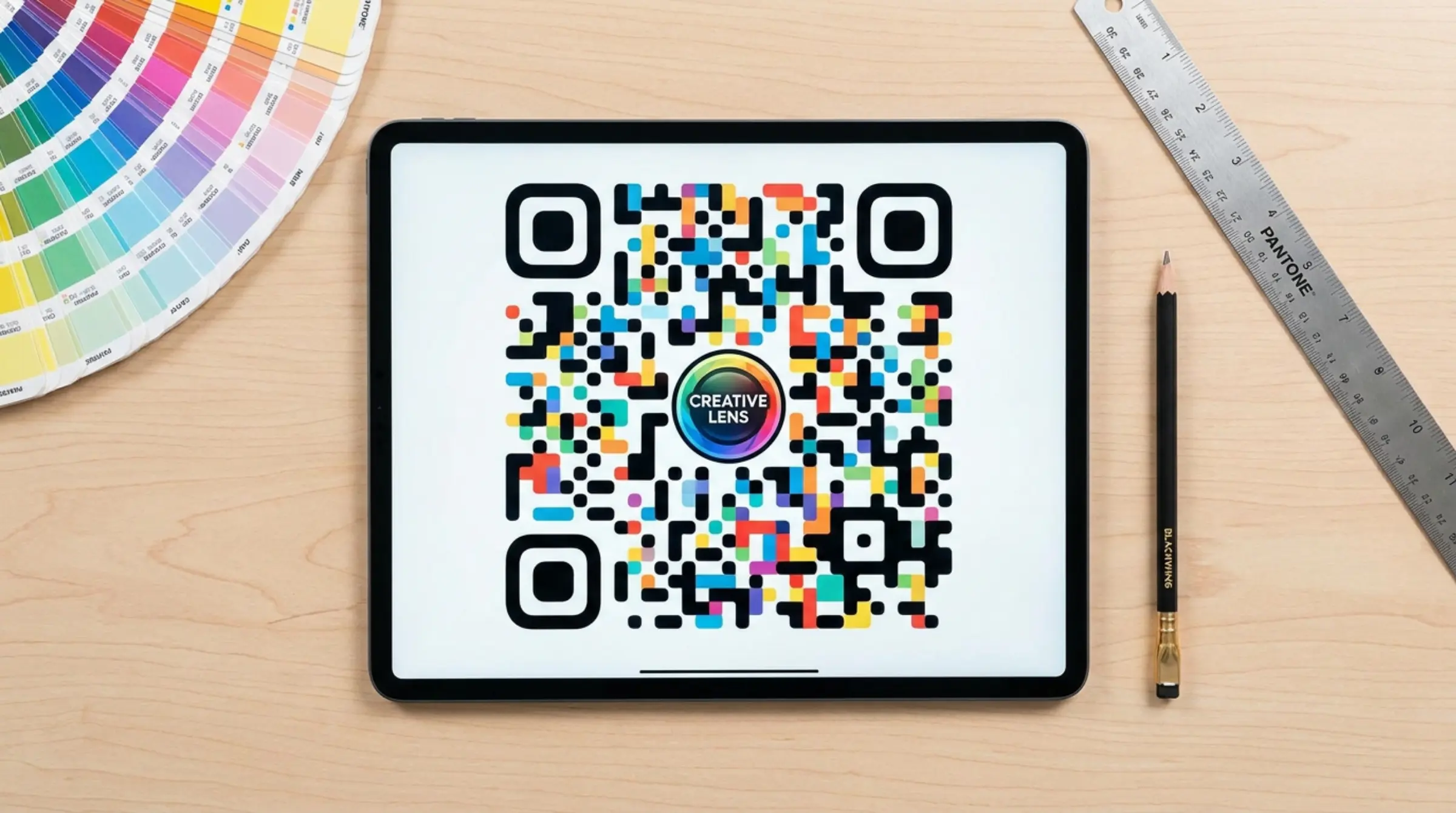
Gone are the days of boring black-and-white QR codes. With our qr code free generator, you can customize colors, dot shapes, and eye frames to match your brand. But design choices impact scannability — here's how to create beautiful QR codes that work.
Color Choices: Contrast Is King
The most important rule for any qr code generator output is contrast. Dark dots on light backgrounds scan most reliably. Avoid low-contrast combinations like light gray on white. Our live preview helps you spot contrast issues instantly.
Using Gradients
Gradients add visual interest, but use them carefully. Linear gradients work better than radial ones for scannability. Stick to gradients with sufficient contrast. Our free qr code maker supports both solid colors and gradient backgrounds.
Dot Shapes and Styles
Our tool offers multiple dot styles: square, rounded, circle, and custom shapes. Rounded dots tend to scan more reliably than sharp squares, especially when printed small. Experiment in the live preview to find what works best.
Eye Frame Customization
The three "eyes" (position detection patterns) can be customized. Choose from different frame shapes and colors to complement your design. Just ensure eyes remain clearly distinguishable from data dots when you make qr codes free.
Background Considerations
A white or light-colored background is safest for print materials. For digital displays, you can use darker backgrounds with light dots. Always test your code on the actual medium where it will appear.
What to Avoid
- Overly intricate patterns that confuse scanners
- Reflective or glossy finishes on printed codes
- Placing codes over busy image backgrounds
- Making codes too small (minimum 2x2 cm for print)
- Using more than 2-3 colors in a single code
For more advanced customization like adding your company logo, see our logo addition guide.
Design with Confidence
GenQR AI's free QR code generator includes a live preview that updates as you design. Create qr code free with custom branding that any qr code scanner can read reliably.