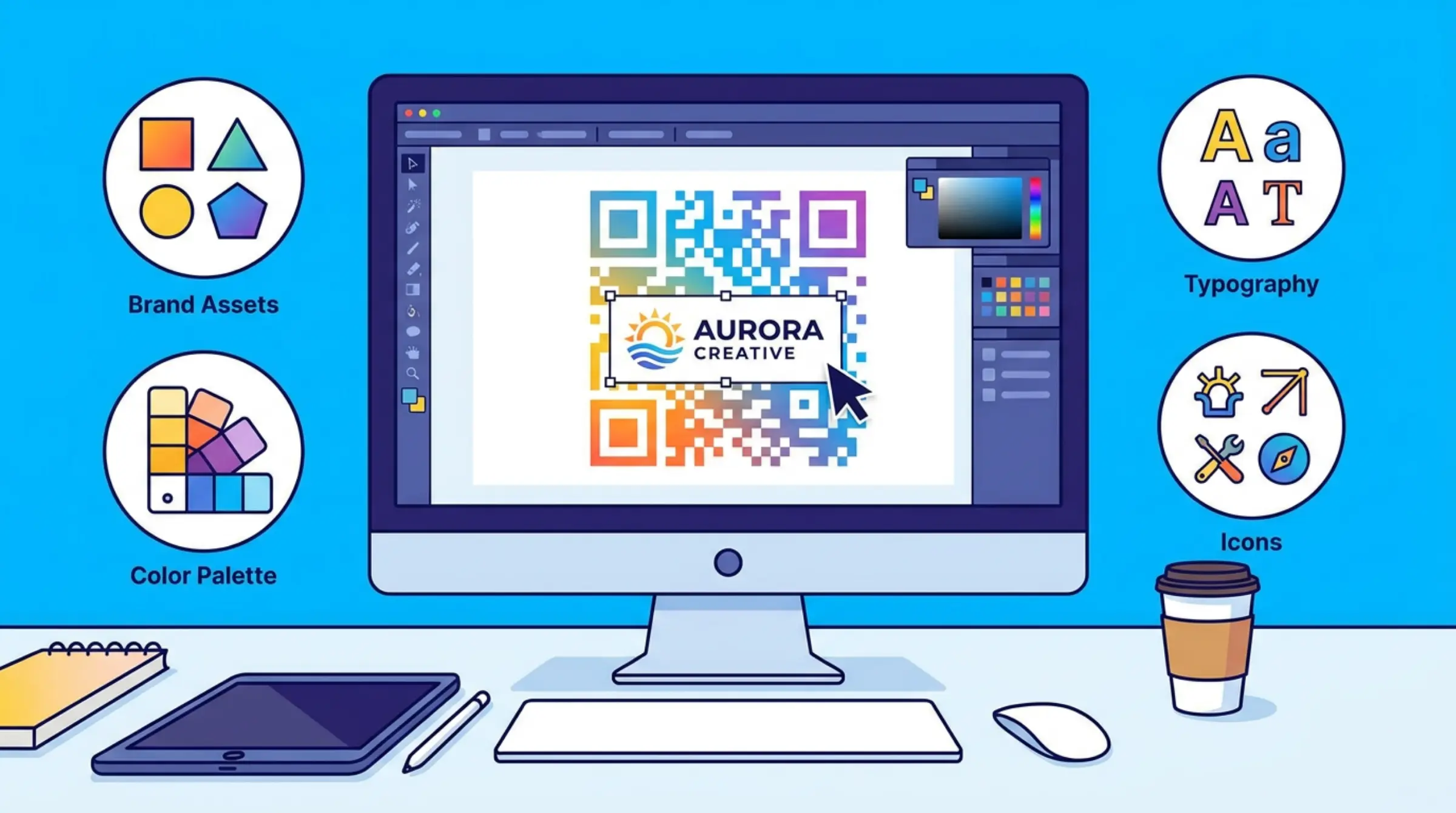
Adding a logo to your QR code builds brand recognition and trust. A branded code tells users who it belongs to before they scan. Our free qr code maker lets you make qr codes free with custom logos in minutes.
Why Add a Logo to Your QR Code?
Branded QR codes see higher scan rates than generic ones. When users recognize your logo, they're more likely to trust and scan it. Logos also make codes instantly identifiable in marketing materials.
Step 1: Prepare Your Logo
Choose a high-resolution PNG or JPG with a transparent background if possible. Our qr code generator supports automatic background removal, but a clean logo gives the best results. Keep file size under 5MB for optimal performance.
Step 2: Upload Your Logo
In GenQR AI's editor, locate the "Logo" section. Click "Upload Logo" and select your image. The tool processes the image and removes the background, leaving your logo centered in the QR code.
Step 3: Adjust Logo Size
Logos should cover no more than 15-20% of the QR code area to maintain scannability. Our qr code scanner-tested tool automatically sizes your logo appropriately, with live preview showing exactly how your code will look.
Step 4: Choose Error Correction
When adding a logo, use higher error correction (Level H - 30% recommended). This ensures your code remains scannable even with the logo covering part of the data. Our qr code generator free lets you select the best error correction level. Learn more about error correction levels in our QR Code Error Correction guide.
Step 5: Test Before Using
Always test your logo QR code with multiple devices and scanning apps before printing. Ensure the code scans quickly and reliably. If scans are slow, reduce logo size or increase error correction.
Design Tips for Logo QR Codes
- Use high-contrast colors between QR code and background
- Keep logos simple and recognizable at small sizes
- Avoid busy backgrounds behind the logo area
- Test on both light and dark mode scanning apps
Start Branding Your QR Codes
Ready to create qr code free with your logo? Try GenQR AI today — it's free, no registration required, and your data stays private on your device.