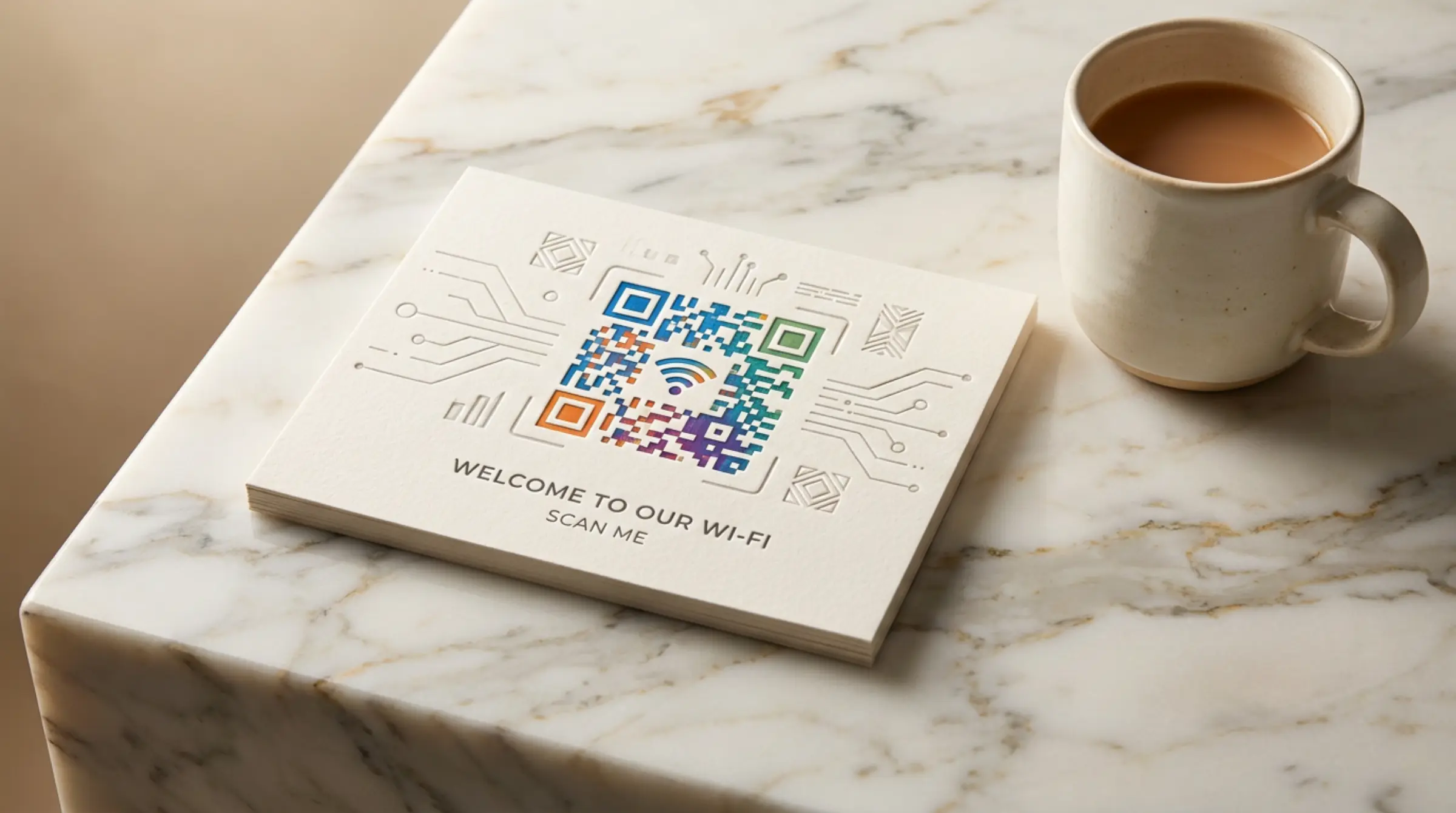
No more reading off complex passwords letter by letter. WiFi QR codes let guests connect instantly — just point camera and tap. Our qr code generator free creates standard WiFi QR codes that work with any qr code scanner on iOS, Android, and other devices.
WiFi QR Code Format
The standard format (defined by ZXing library):
WIFI:T:WPA;S:MyNetworkName;P:MyPassword123;H:false;;
T:— Authentication type (WPA, WEP, nopass)S:— SSID (network name, case-sensitive)P:— Password (empty for open networks)H:— Hidden network (true/false)
How to Create a WiFi QR Code
- Select "WiFi" tab in our qr code generator
- Enter your network name (SSID) exactly as it appears
- Select security type: WPA/WPA2 (most common), WEP, or None
- Enter password (leave blank for open networks)
- Check "Hidden network" if SSID isn't broadcast
- Customize design if desired
- Download and print/display
Where to Use WiFi QR Codes
Home & Office
Print and frame near entrance. Guests connect without asking for password.
Cafes, Restaurants, Hotels
Table tents, receipts, key cards, welcome packets. Reduces staff interruptions.
Events & Conferences
Badge stickers, signage, programs. Thousands of attendees connect seamlessly.
Retail & Waiting Areas
Display near checkout or seating. Free WiFi = longer dwell time.
Device Compatibility
| Device | How It Works |
|---|---|
| iOS (iPhone/iPad) | Camera app auto-detects, tap notification to join |
| Android (10+) | Camera or Google Lens detects, tap to connect |
| Android (older) | May need dedicated QR scanner app |
| Windows/Mac | Camera apps or browser-based scanners |
| Smart Home | Some IoT devices support WiFi QR setup |
Security Considerations
- QR code = password access: Anyone who scans gets network access. Treat like a printed password.
- Guest networks: Use a separate guest SSID for public QR codes. Keep main network private.
- Rotate periodically: Change password and regenerate QR code for security.
- WPA3: Modern standard — use if your router and devices support it.
- No password in plaintext: The QR code encodes it, but it's not human-readable. Still, don't post publicly if network is sensitive.
Design Tips for WiFi QR Codes
- Add WiFi icon/logo in center (our free qr code maker auto-removes background)
- Use brand colors for modules, white background
- Include SSID text below code for manual entry backup
- Print at least 1.5" × 1.5" for reliable scanning
- Error correction Level H recommended
Advanced: Multiple Networks
Create separate QR codes for:
- Guest network (public display)
- Staff network (back office only)
- IoT/smart device network (separate VLAN)
Each is free with our qr code free generator.
Why GenQR AI for WiFi Codes?
- Client-side generation — your WiFi password never leaves your browser
- No server logs, no tracking, no data collection
- Standard format compatible with all devices
- SVG output for professional printing
- Completely free, unlimited, no expiration
Create Your WiFi QR Code
Visit GenQR AI, select the WiFi tab, and make qr codes free for instant network sharing. Print once, use forever.