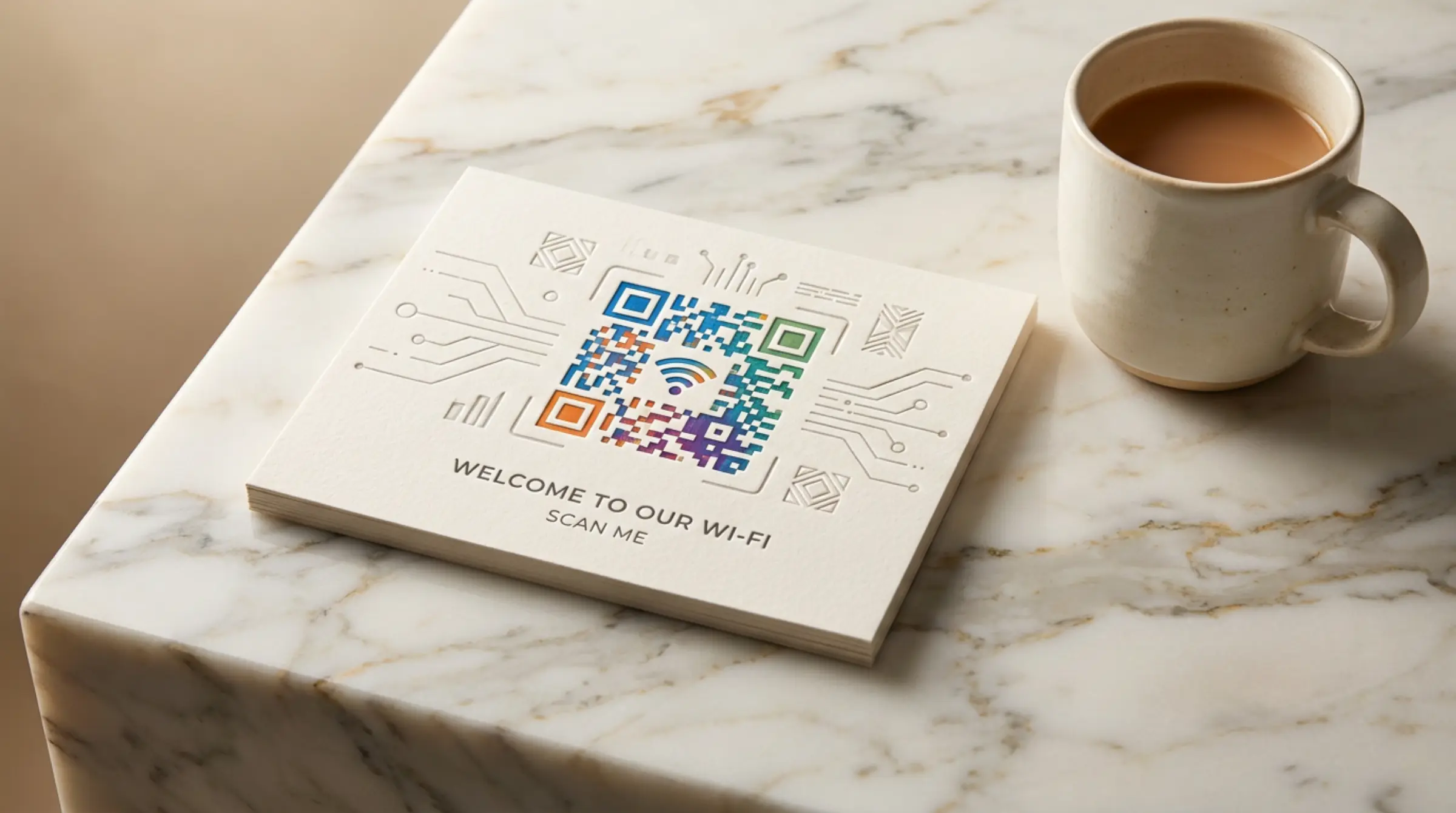
Sharing WiFi passwords with guests is always awkward — spelling out complex passwords, correcting typos, and hoping they got it right. A WiFi QR code solves this. Guests simply scan and connect instantly. Use our qr code generator to make qr codes free for your network.
How WiFi QR Codes Work
WiFi QR codes encode your network name (SSID) and password into a scannable code. When a user scans it, their phone prompts them to join the network. It works on both Android and iOS devices without any special apps — just a standard qr code scanner.
Creating Your WiFi QR Code
In GenQR AI, select the "WiFi" tab. Enter your network name, password, and select encryption type (WPA/WPA2, WEP, or None). Customize the design with our qr code free generator to match your brand colors and logo.
Where to Place Your WiFi QR Code
- Reception desks in offices and hotels
- Table tents in cafes and restaurants
- Waiting rooms and lobbies
- Conference rooms and event spaces
- Short-term rental properties (Airbnb, VRBO)
Security Considerations
WiFi QR codes are secure because the password is encoded, not displayed in plain text. However, anyone with the code can connect. For home use, consider creating a guest network, then use our free qr code maker to generate a code for that network instead of your main one. Looking for more small business ideas? Check out our creative QR code uses article.
Updating Your Code
If you change your WiFi password, simply create qr code free with the new details and replace the old one. No need to notify everyone individually — just update the printed code or digital link.
Get Started
Generate qr code free for your WiFi network at GenQR AI. No registration, no cost, and your network credentials are processed securely in your browser.