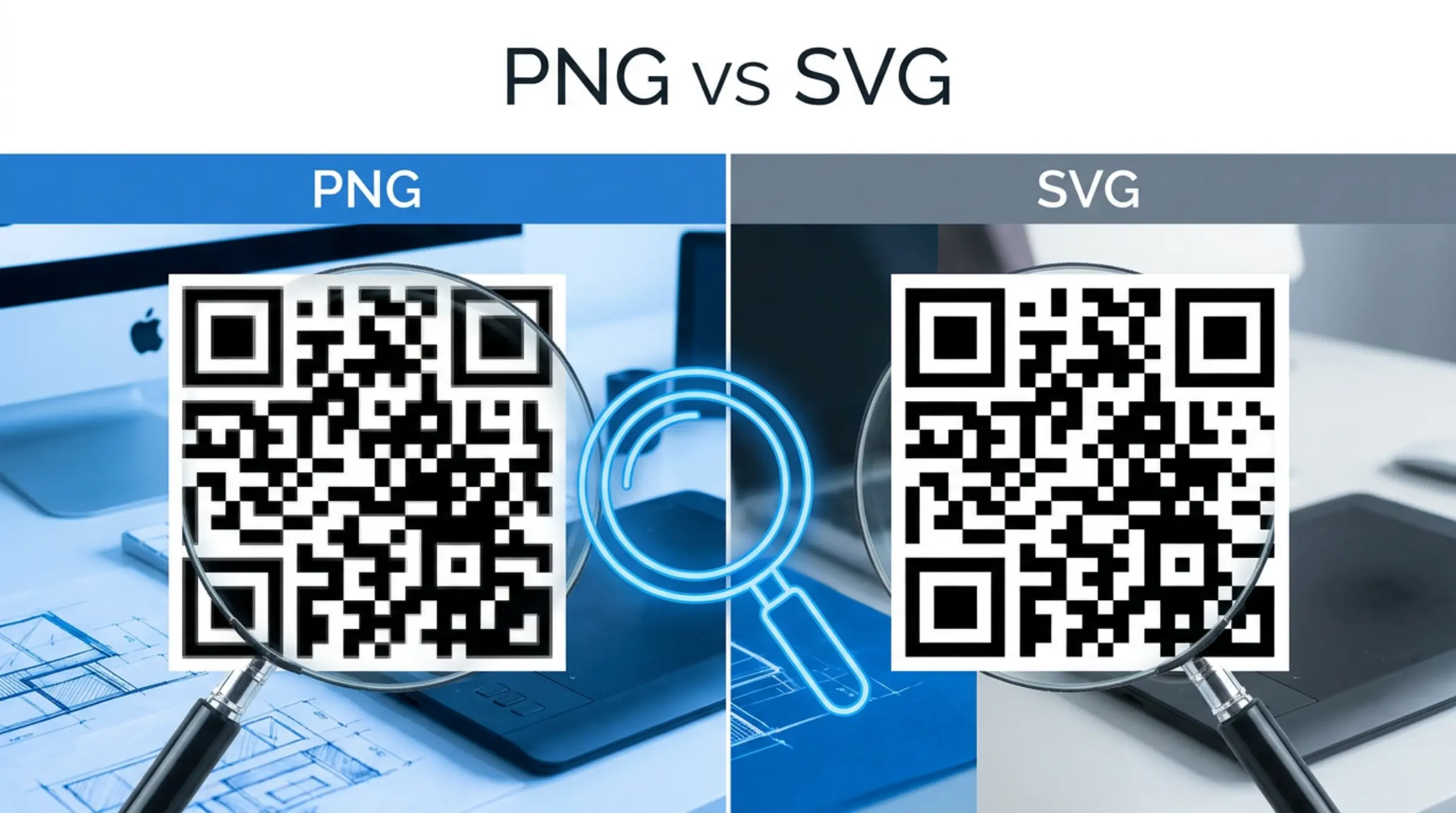
Format choice affects how your QR code looks and performs. Our qr code free generator offers three formats — PNG, SVG, and PDF. Here's when to use each.
Quick Comparison
| Feature | PNG | SVG | |
|---|---|---|---|
| Type | Raster (pixels) | Vector (math) | Vector (document) |
| Scalability | Loses quality when enlarged | Infinite — always crisp | Infinite — always crisp |
| File size | Larger at high res | Tiny (KB) | Small |
| Editability | Not editable | Fully editable in Illustrator, Figma, code | Editable in Illustrator, InDesign |
| Transparency | Yes | Yes | Yes |
| Browser support | Universal | Modern browsers | Requires viewer |
| Print use | Good at correct DPI | Best — industry standard | Excellent for print workflows |
When to Use PNG
- Digital only: Websites, emails, social media, presentations
- Fixed size known: You know the exact pixel dimensions needed
- Quick sharing: Universal compatibility, no special software needed
- Photo composites: Placing QR code into a raster design in Photoshop
Tip: Generate at 2x or 4x your display size for retina screens. Our qr code generator free lets you download high-res PNGs.
When to Use SVG (Recommended for Print)
- Any print material: Business cards, flyers, posters, banners, packaging
- Professional design workflow: Import into Illustrator, InDesign, Figma, Affinity Designer
- Responsive web: Scales perfectly on any screen density
- Future-proofing: Reuse at any size without regenerating
- Color changes: Edit colors in design software without regeneration
SVG is the industry standard for professional QR code printing. Our free qr code maker outputs clean, standards-compliant SVG with your exact customizations.
When to Use PDF
- Commercial printing: Print shops often prefer PDF for prepress workflows
- Multi-page documents: Including QR codes in brochures, catalogs
- Archival: Self-contained, portable document format
Best Practice: Download All Three
Since our qr code generator free lets you download all formats at no cost, get all three:
- Use PNG for digital mockups and quick sharing
- Use SVG for all print production and design work
- Keep PDF as backup for print vendors who request it
Resolution Guidelines for PNG
- Business cards (3.5" x 2"): Minimum 1000px, recommend 2000px+
- Flyers/Posters: 300 DPI at final size (e.g., 3" code = 900px minimum)
- Large format (banners, vehicles): Use SVG instead
- Web/social: 2x display size for retina (e.g., 300px display → 600px PNG)
Pro Tip: SVG Editing
Open the SVG in a code editor or Illustrator to:
- Change colors globally without regeneration
- Adjust stroke width for printing requirements
- Add custom shapes or annotations
- Combine with other vector artwork
Get All Formats Free
GenQR AI gives you PNG, SVG, and PDF for every code. Create qr code free once, download all formats, use forever. No account, no limits, no watermarks.