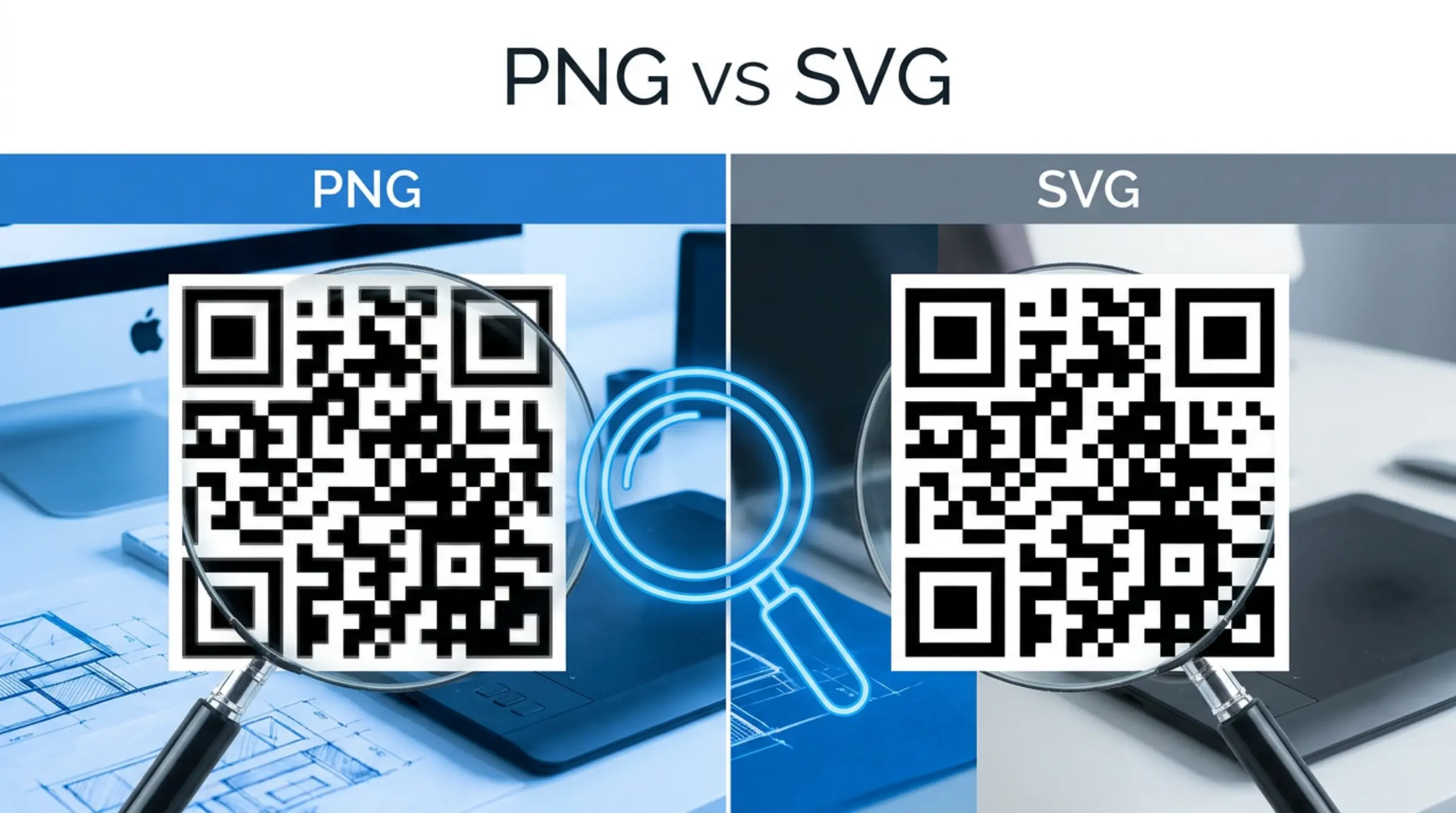
When you create qr code free with our qr code free generator, you have two main format options: PNG and SVG. Each has strengths, and choosing the right one depends on how you plan to use your code.
PNG (Portable Network Graphics)
PNG is a raster (pixel-based) format. It's ideal for digital use where the image won't be resized significantly.
Pros of PNG
- Universally supported across all platforms and apps
- Small file size for web use
- Supports transparency
- Perfect for social media, emails, and websites
Cons of PNG
- Becomes pixelated when enlarged
- Not ideal for large-format printing
- Fixed resolution
SVG (Scalable Vector Graphics)
SVG is a vector format that uses mathematical equations to draw shapes. It can be scaled to any size without losing quality.
Pros of SVG
- Infinite scalability without quality loss
- Perfect for print materials of any size
- Small file size for simple graphics
- Can be edited in vector software (Illustrator, Inkscape)
- Sharp on high-DPI (Retina) displays
Cons of SVG
- Less universally supported in some email clients
- Not as widely used for web display
Which Should You Choose?
Use PNG if: You're using the QR code on social media, in emails, on your website, or for small to medium print (business cards, flyers up to A4 size). Any qr code scanner will read PNG codes perfectly.
Use SVG if: You're printing on large materials (posters, billboards, banners), need to edit the code in design software, or want the sharpest possible quality on high-resolution displays. Use our free qr code maker to export SVG instantly.
Not sure how to create your first QR code? Check out our step-by-step creation guide.
Use SVG if: You're printing on large materials (posters, billboards, banners), need to edit the code in design software, or want the sharpest possible quality on high-resolution displays. Use our free qr code maker to export SVG instantly.
PDF: The Best of Both Worlds
GenQR AI also offers PDF export, which works well for print and is universally supported. PDFs maintain quality across different sizes and are easy to share when you generate qr code free.
Download Your Codes Today
Visit GenQR AI to make qr codes free in PNG, SVG, or PDF — all for free, no registration required.