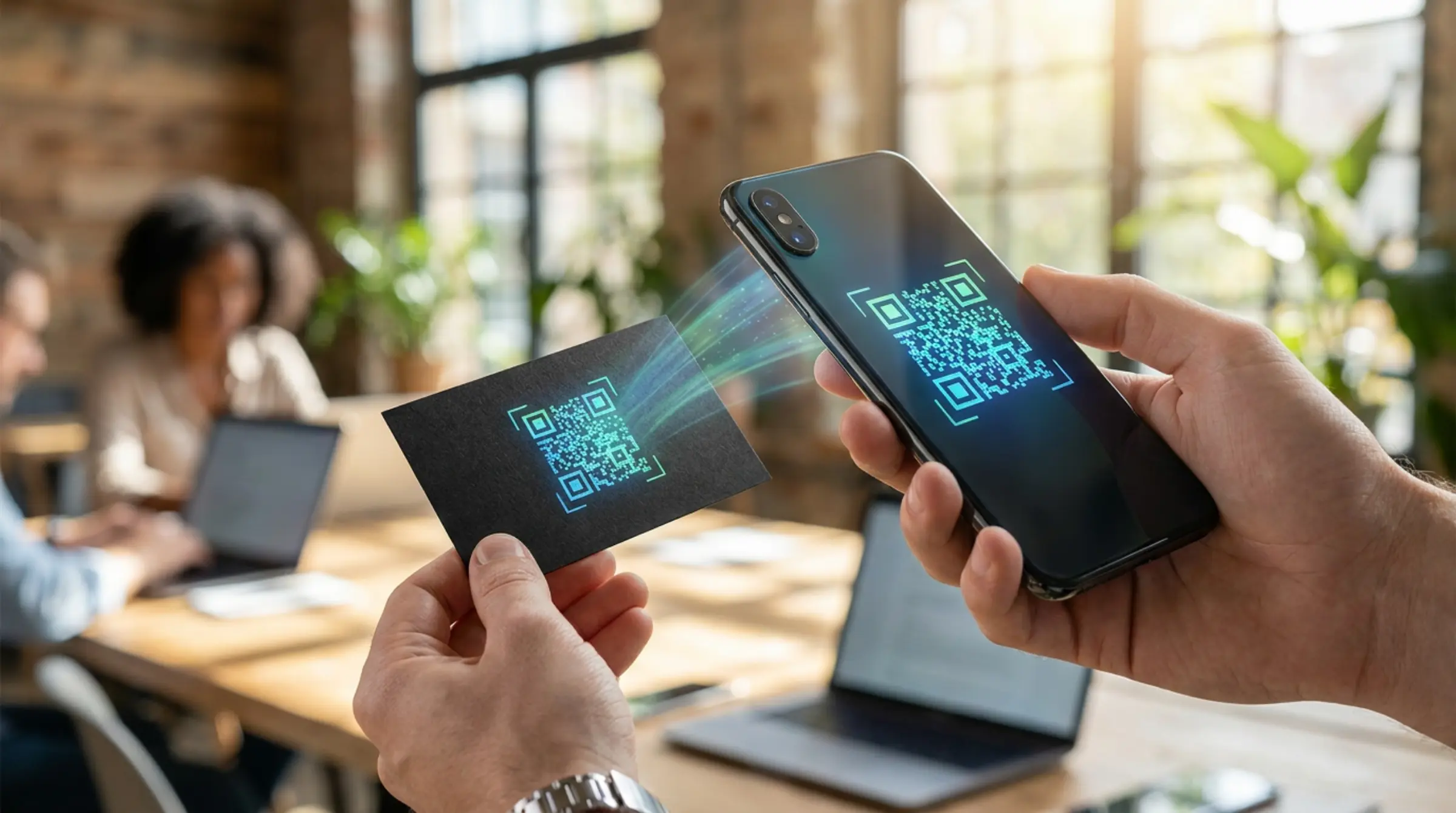
Paper business cards are wasteful and easily lost. A vCard QR code stores your complete contact information — name, phone, email, company, address, website, and more — in a single scan. Our qr code generator free creates professional vCards that work with any qr code scanner.
What Is a vCard QR Code?
A vCard (Virtual Contact File) is a standard format for electronic business cards. When encoded in a QR code, scanning it prompts the user's phone to save the contact directly — no manual typing required. This qr code free generator supports the full vCard 3.0 specification.
How to Create Your Digital Business Card
- Select the "vCard" tab in our qr code generator
- Fill in your details: name, organization, title, phone, email, website, address
- Optional: add a photo/logo using the logo upload feature
- Customize colors and design to match your brand
- Download as SVG for crisp printing at any size
vCard Fields Supported
- Full name (required)
- Organization & job title
- Phone numbers (work, mobile, fax)
- Email addresses
- Website URL
- Physical address (street, city, state, ZIP, country)
- Note/memo field
Design Tips for Business Card QR Codes
- Use your brand colors for foreground/background
- Add your company logo (auto-background removal included)
- Choose rounded dots for a modern, professional look
- Download as SVG for infinite scalability on print materials
- Test with multiple devices before mass printing
Why GenQR AI for vCards?
Unlike paid services that limit scans or expire codes, our free qr code maker creates permanent, static vCard QR codes with:
- Unlimited scans forever
- No expiration dates
- No registration required
- Client-side generation (your data never leaves your browser)
- Vector output (SVG/PDF) for professional printing
Compatibility Notes
Most modern qr code scanner apps and native camera apps (iOS, Android) handle vCards well. However, some older or basic scanners may not fully support the vCard format. If you encounter field ordering issues, try a different scanner app — this is a known limitation of the vCard standard itself, not our qr code generator free.
Create Your Digital Business Card
Ready to generate qr code free for your vCard? Visit GenQR AI and select the vCard tab. Create professional digital business cards in minutes — completely free.